



Wireless Router
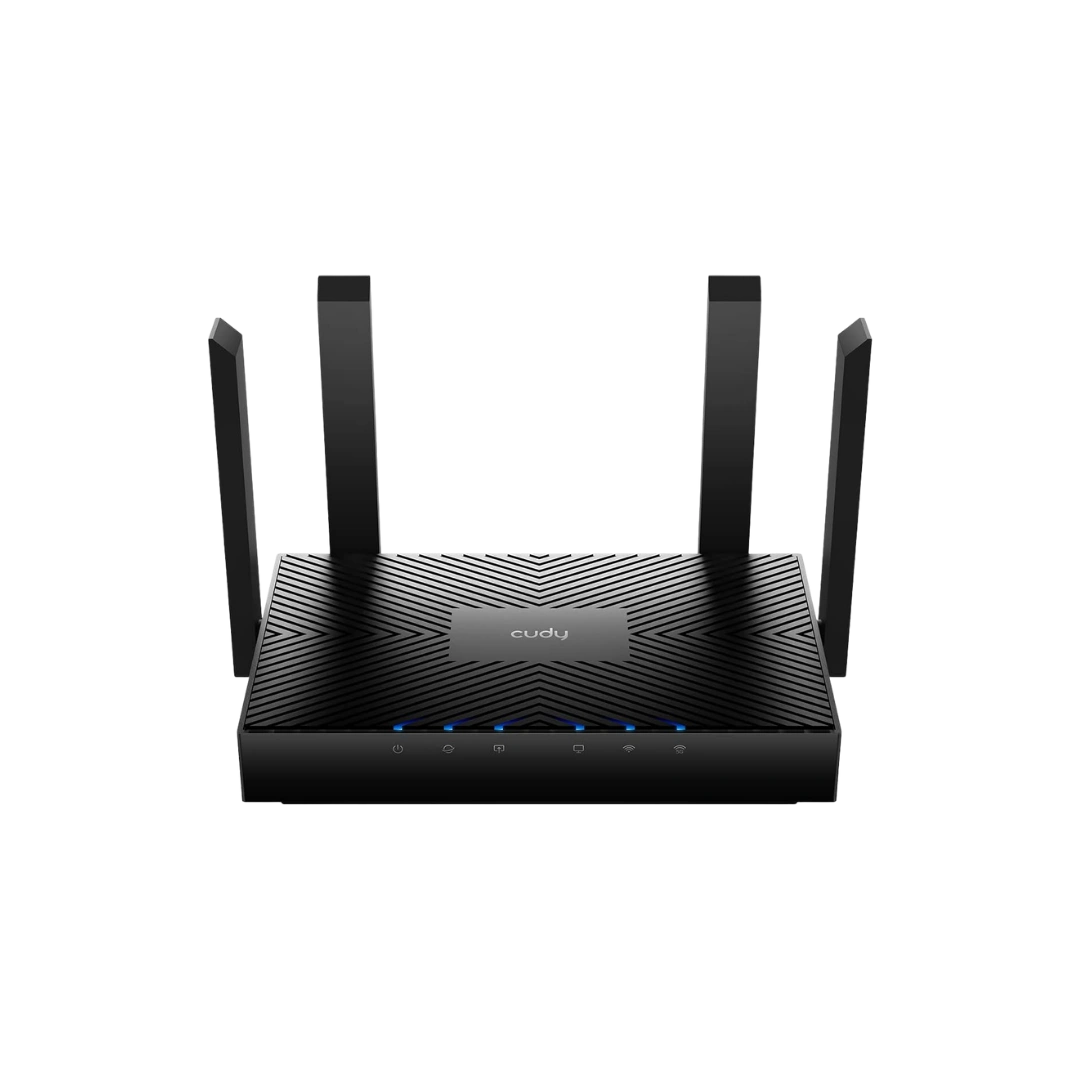
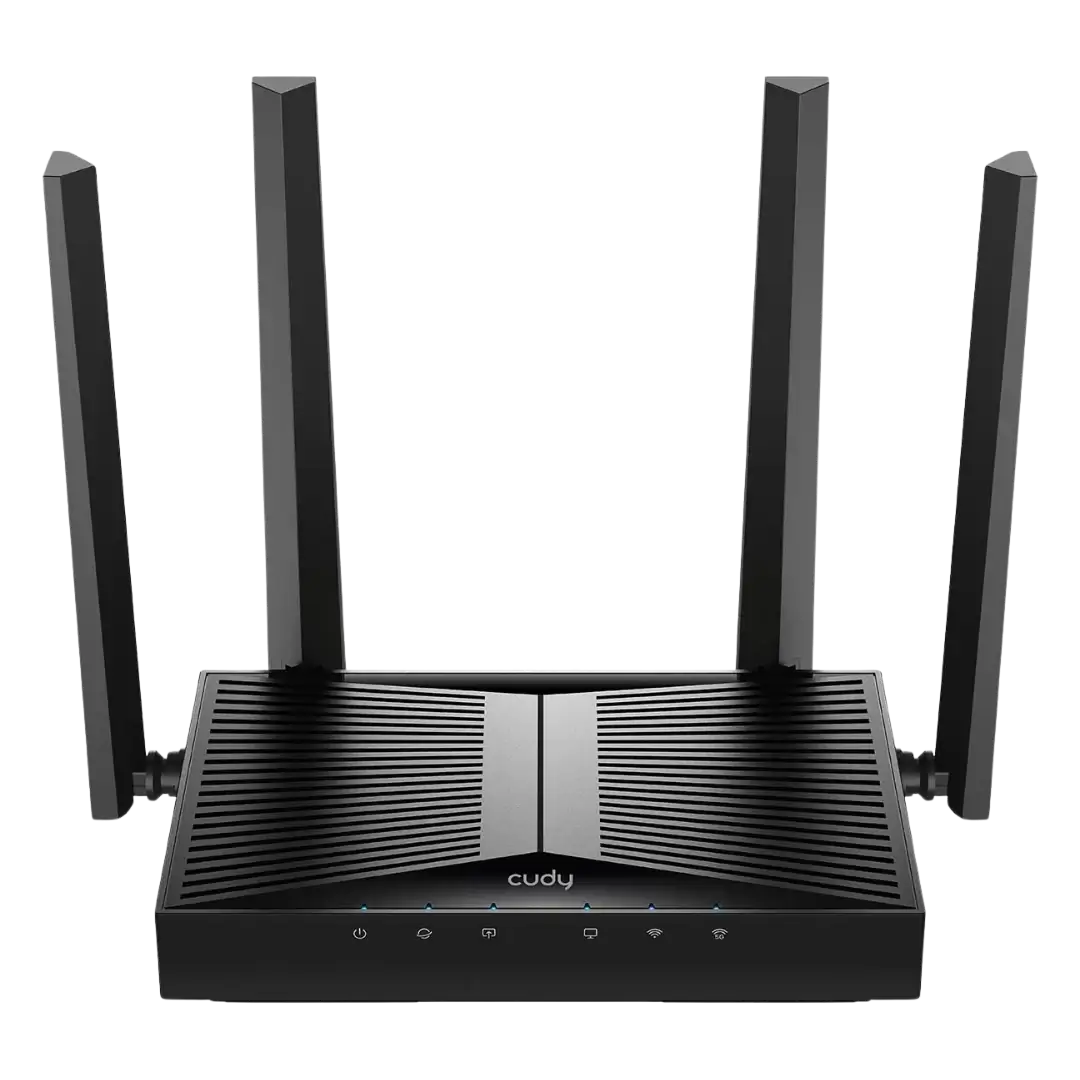
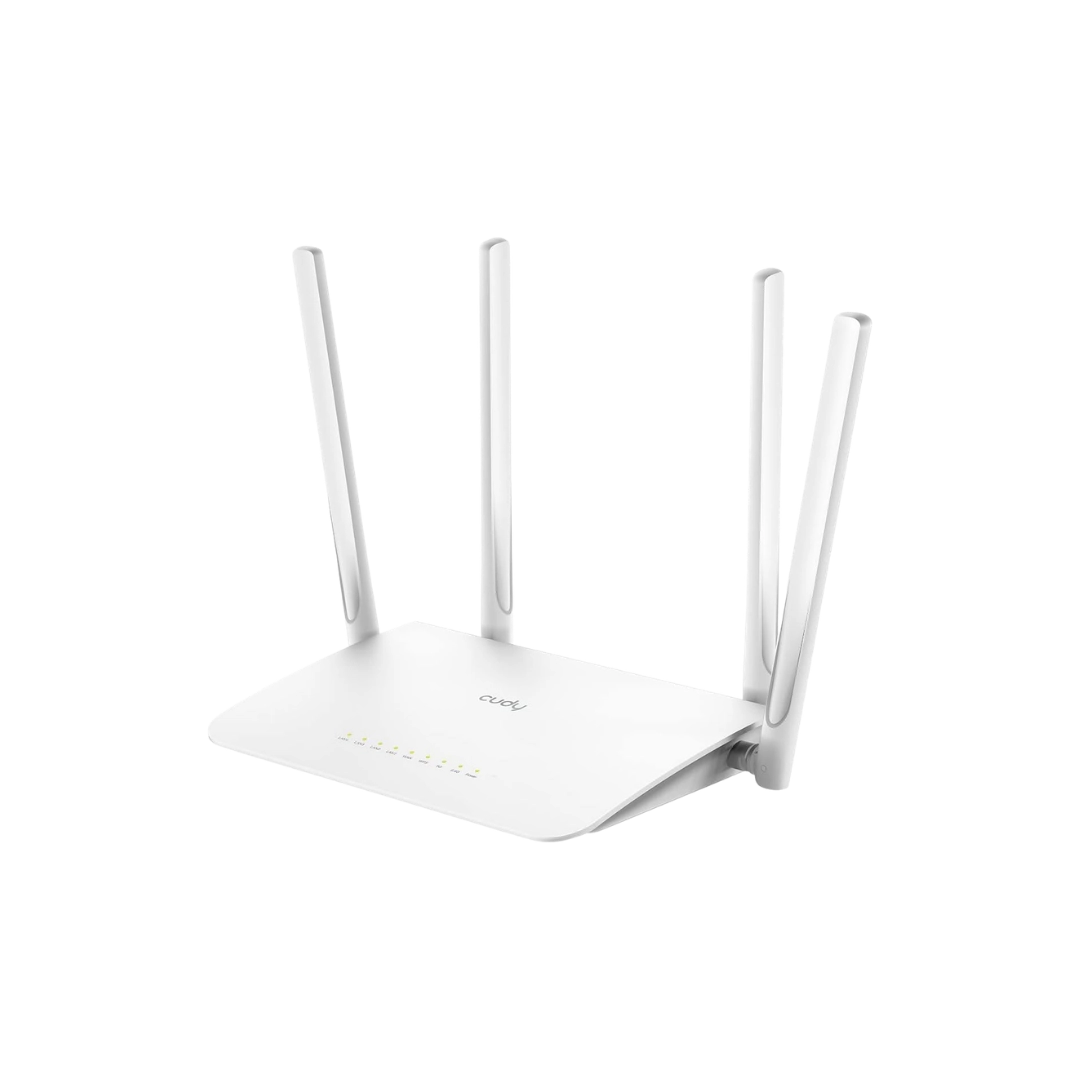
Looking for the latest wireless router price in Nepal? Computer Planet offers Cudy WiFi routers for apartments, multi-storey homes, gaming, remote work, offices, CCTV connectivity and locations that depend on 4G mobile data. The current range includes affordable N300 routers, AC1200 dual-band models, AX3000 WiFi 6 routers, BE3600 WiFi 7 options, mesh WiFi systems and a 4G LTE SIM router.
The right router is not simply the model with the largest speed number. Your internet package, WAN and LAN port speed, coverage area, wall construction, number of active devices, WiFi capability of those devices and required features all matter. Compare the live products above or use this Nepal-focused buying guide to select a suitable home or office router.
Wireless Router Price in Nepal 2026
The wireless router price in Nepal currently starts at approximately NPR 2,430 for a basic Cudy N300 multi-mode router and reaches approximately NPR 17,100 for a Cudy BE3600 WiFi 7 mesh system in this category. Dual-band AC1200 routers sit between the entry-level and next-generation models, while AX3000 WiFi 6 and BE3600 WiFi 7 routers cost more because of their higher wireless capacity and newer networking features.
Latest Cudy Router Price List in Nepal
Cudy router model | Router type | Key features | Current price* |
|---|---|---|---|
N300 multi-mode router | 2.4GHz, router, access point, repeater and WISP modes | NPR 2,430 | |
AC1200 dual-band router | 2.4GHz and 5GHz WiFi | NPR 3,420 | |
AC1200 Gigabit mesh router | Gigabit ports, MU-MIMO, mesh, VPN and AP mode | NPR 5,400 | |
AX3000 WiFi 6 mesh router | 160MHz, OFDMA, MU-MIMO, Gigabit Ethernet and VPN | NPR 7,650 | |
N300 4G LTE SIM router | 4G Cat 4, SIM slot, WiFi, Ethernet and VPN support | NPR 7,650 | |
AX3000 WiFi 6 mesh system | Whole-home mesh, Gigabit connectivity and multi-device support | NPR 9,000 | |
BE3600 dual-band WiFi 7 router | Gigabit Ethernet, Cudy Mesh, app control and VPN | NPR 15,300 | |
BE3600 dual-band WiFi 7 mesh system | 160MHz, three Gigabit ports, mesh and app control | NPR 17,100 |
*Prices were checked against Computer Planet’s live product listings in September 2026. Prices, discounts and stock can change. Always use the product cards above as the current source of price and availability.
Which WiFi Router Should You Buy in Nepal?
Your requirement | Recommended router type | Suitable current models |
|---|---|---|
Basic browsing in a small room or rental space | N300 multi-mode router | Cudy WR300 |
Affordable 2.4GHz and 5GHz WiFi | AC1200 dual-band router | Cudy WR1200E |
Fibre internet with Gigabit wired devices | AC1200 Gigabit router | Cudy WR1300 |
Busy home with several compatible devices | AX3000 WiFi 6 router | Cudy WR3000 |
Wider coverage across rooms or floors | Mesh WiFi system | Cudy M3000 or M3600 |
Internet where fibre is unavailable | Compatible 4G LTE SIM router | Cudy LT400 |
Newer WiFi 7 phones and laptops | BE3600 WiFi 7 router | Cudy WR3600 |
WiFi 7 with expandable mesh coverage | BE3600 WiFi 7 mesh system | Cudy M3600 |
This table is a starting point, not a performance guarantee. Building materials, router placement, interference, client hardware and ISP quality can change the result significantly.
Types of Wireless Routers Available in Nepal
N300 Single-Band WiFi Routers
An N300 router generally uses the 2.4GHz band and offers a theoretical wireless class of up to 300 Mbps. It can be sufficient for basic browsing, messaging, email and light video use in a small area. Models such as the Cudy WR300 are also useful as secondary routers because they support operating modes beyond standard routing.
Choose N300 when the budget and basic connectivity matter most. Do not assume that the N300 label means one device will receive a 300 Mbps internet speed; protocol overhead, interference, distance and client capability reduce real throughput.
AC1200 Dual-Band WiFi 5 Routers
An AC1200 dual-band router uses 2.4GHz and 5GHz wireless bands. The lower band usually provides longer reach, while 5GHz generally provides more capacity at shorter range. The Cudy WR1200E is a value-focused dual-band option, while the Cudy WR1300 adds Gigabit Ethernet, mesh compatibility and additional network features.
AC1200 routers suit general home internet, streaming, study and office work when the client devices support 5GHz. Check the physical Ethernet-port speed because two routers with the same AC1200 wireless label can have different wired limits.
AX3000 WiFi 6 Routers
WiFi 6, also known as IEEE 802.11ax, is designed to improve wireless efficiency and capacity. Technologies such as OFDMA and MU-MIMO can help a compatible router serve multiple compatible devices more efficiently. The Cudy WR3000 combines an AX3000 wireless class with Gigabit Ethernet, 160MHz channel support, mesh capability and selected VPN features.
A WiFi 6 router is a sensible upgrade for homes with many active phones, laptops, smart TVs and cameras. It can also suit remote workers and gamers, but it cannot create more ISP bandwidth or remove latency outside the local network.
BE3600 WiFi 7 Routers
WiFi 7, or IEEE 802.11be, introduces newer wireless capabilities for compatible devices. The Cudy WR3600 and M3600 are BE3600 dual-band WiFi 7 products in the current Computer Planet range. They support 2.4GHz and 5GHz operation; WiFi 7 branding does not automatically mean that a router includes a 6GHz radio.
Choose WiFi 7 when you own compatible devices, want a newer platform or expect to upgrade your network over time. Compare the actual bands, ports, channel width and supported features rather than choosing only by the BE number.
Mesh WiFi Routers and Whole-Home Systems
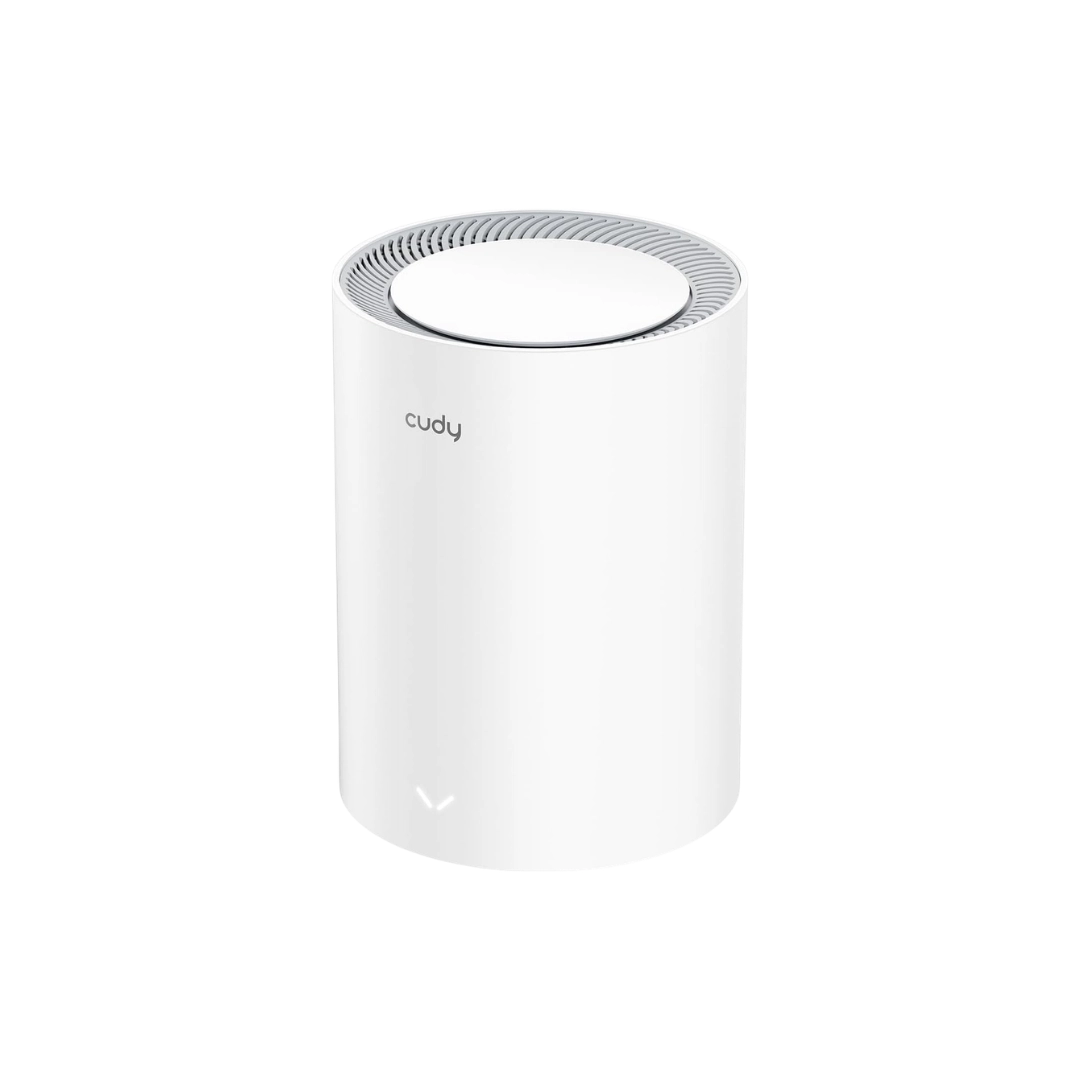
A mesh system uses compatible nodes to create coordinated WiFi coverage under one network name. Mesh can be more effective than one centrally placed router in a large, long or multi-storey property. The Cudy M3000 provides AX3000 WiFi 6 mesh, while the M3600 offers BE3600 WiFi 7 mesh.
Mesh performance depends on node placement and backhaul quality. A wired Ethernet backhaul is often the most consistent option, while wireless nodes must be positioned where they can still communicate reliably. Explore the dedicated mesh router price in Nepal page for more whole-home options.
4G LTE SIM Routers
A 4G LTE router converts a compatible mobile-data connection into WiFi and wired Ethernet. The Cudy LT400 includes a SIM slot, 4G Cat 4 connectivity and N300 WiFi. It can be useful for homes without fibre, temporary offices, rental properties, events, CCTV sites and backup-connectivity planning.
Actual 4G performance depends on operator coverage, tower congestion, indoor signal, antenna position and the selected data plan. Before using the LT400 with NTC or Ncell, confirm the router version, supported mobile bands, SIM size and service coverage at the intended location.
Secondary Routers, WISP Mode and Access-Point Mode
A secondary router can extend or reorganize an existing network. In access-point mode, it creates WiFi from a wired connection while the main gateway continues routing. In repeater mode, it rebroadcasts an existing wireless signal. In WISP mode, supported routers connect to another wireless network and create a separate local network.
Use Ethernet between the primary and secondary units when possible for more consistent speed. If the only requirement is covering one small dead zone, compare a dedicated WiFi extender in Nepal. For structured office deployment, an indoor or outdoor access point may be more suitable.
Compare Cudy WiFi Routers in Nepal
Cudy WR300: Best for Basic and Secondary WiFi
The Cudy WR300 is the most affordable router in this category. Its N300 2.4GHz connection and multiple operating modes make it suitable for basic browsing, small rooms, student accommodation or a simple secondary-network setup. Choose a dual-band or Gigabit model if faster local transfers, 5GHz or internet speeds above a Fast Ethernet limit are important.
Cudy WR1200E: Affordable Dual-Band Upgrade
The Cudy WR1200E adds AC1200 dual-band WiFi, allowing compatible devices to use either 2.4GHz or 5GHz. It is suited to budget-conscious households that want 5GHz for nearby streaming and everyday internet use. Confirm its Ethernet-port specification against your internet plan before purchasing.
Cudy WR1300: AC1200 WiFi With Gigabit Ports
The Cudy WR1300 combines AC1200 dual-band WiFi with Gigabit WAN and LAN connectivity, Cudy Mesh support, MU-MIMO, guest WiFi and selected VPN functions. It offers a balanced option for fibre users who need faster wired ports without moving to WiFi 6.
Cudy WR3000: AX3000 WiFi 6 for Busy Homes
The Cudy WR3000 is an AX3000 WiFi 6 mesh router with Gigabit Ethernet, 160MHz channel support, OFDMA and MU-MIMO. It is designed for networks with many connected devices, although the number of devices that can perform demanding tasks simultaneously still depends on total internet bandwidth and signal quality.
Cudy LT400: 4G Router for NTC or Ncell Coverage Areas
The Cudy LT400 shares a compatible 4G connection through N300 WiFi and Ethernet ports. It is useful where fixed broadband is unavailable or a separate mobile-data network is required. It is not a replacement for checking operator signal and data-package suitability at the installation site.
Cudy M3000: AX3000 Whole-Home Mesh WiFi
The Cudy M3000 is designed for expandable WiFi 6 mesh coverage. It can suit multi-room and multi-floor properties where one router leaves weak-signal areas. The number of nodes, distance between them and backhaul determine the real coverage and speed.
Cudy WR3600: Dual-Band BE3600 WiFi 7 Router
The Cudy WR3600 provides BE3600 dual-band WiFi 7, Gigabit Ethernet, Cudy Mesh support, app management and VPN client or server functions supported by its firmware. It is suitable for buyers who want a newer wireless platform while continuing to use 2.4GHz and 5GHz devices.
Cudy M3600: WiFi 7 Mesh for Expandable Coverage
The Cudy M3600 combines BE3600 dual-band WiFi 7 with mesh capability and multiple Gigabit ports. It is designed for users seeking both newer WiFi technology and a path to wider coordinated coverage. Check pack size and add-on-node requirements when comparing the displayed price.
How to Choose the Best WiFi Router in Nepal
Match the Router to Your Internet Package
Start with the speed delivered by your ISP and the connection presented by the ISP gateway or ONU. If the plan exceeds 100 Mbps, select a router with Gigabit WAN and LAN ports when you want more than 100 Mbps through a wired path. A WiFi speed class such as AC1200 or AX3000 does not override a slower physical WAN port.
Measure Coverage by Layout, Not Only Floor Area
WiFi coverage is affected by reinforced concrete, brick, metal, mirrors, stairs, neighbouring networks and router location. A centrally positioned router may serve an apartment well but struggle across multiple concrete floors. For a large property, plan mesh nodes or Ethernet-connected access points instead of relying only on antenna size.
Count Simultaneously Active Devices
Count devices that are active at the same time, especially phones, laptops, smart TVs, gaming systems, cloud backups and IP cameras. An advertised client limit does not mean every device can stream or download at full speed simultaneously. WiFi 6 and WiFi 7 can improve local efficiency with compatible clients, but all internet traffic still shares the ISP connection.
Check Gigabit and Multi-Gigabit Ports
Gigabit Ethernet supports link rates up to 1 Gbps under suitable conditions and is useful for desktop computers, gaming consoles, TVs, network storage and faster fibre packages. Some premium routers include 2.5GbE or faster ports, but the current port configuration must be checked model by model. Your cables and connected devices must also support the desired rate.
Review Mesh and Expansion Compatibility
Mesh systems are normally ecosystem-dependent. Confirm that the router and additional nodes support the same mesh platform before purchasing. A product described as mesh-ready may require another compatible unit to create wider coverage; one unit alone does not automatically form a multi-node system.
Check VPN, Guest WiFi and Security Features
Selected Cudy routers support functions such as WireGuard, OpenVPN, PPTP, L2TP, guest WiFi, parental controls, DDNS and cloud or app management. Availability can vary by model, hardware version and firmware. Confirm the exact product specification if one feature is essential for remote work or business use.
Understanding Important Router Specifications
2.4GHz vs 5GHz WiFi
The 2.4GHz band generally travels farther and passes through obstacles better, but it has fewer non-overlapping channels and often experiences more congestion. The 5GHz band commonly provides more capacity and wider channels at shorter distances. A dual-band router lets compatible devices use the band appropriate for their location and workload.
What Do N300, AC1200, AX3000 and BE3600 Mean?
These labels are wireless classes based on theoretical link rates across supported bands and streams. N commonly refers to WiFi 4, AC to WiFi 5, AX to WiFi 6 and BE to WiFi 7. The number is not a guaranteed internet speed for one device and should be considered alongside ports, radio design, client capability and network conditions.
MU-MIMO, OFDMA and Beamforming
MU-MIMO allows supported equipment to communicate with multiple compatible clients more effectively. OFDMA divides a wireless channel into smaller resource units to improve efficiency, particularly in busy WiFi 6 networks. Beamforming can direct radio energy more intelligently toward supported clients. None of these features removes physical obstacles or ISP congestion.
160MHz Channel Width
A 160MHz channel can provide a higher wireless link rate to compatible devices, but it requires suitable spectrum and may be affected by interference, channel availability and local configuration. A narrower channel can sometimes provide a more stable result in a congested area. Wider is not automatically better in every home.
Router Device Limits
Manufacturers may advertise support for dozens or hundreds of connected devices. The useful limit depends on what those devices are doing. A group of idle sensors places far less load on a network than simultaneous 4K streaming, gaming, CCTV upload and cloud backup. Treat the stated figure as a capacity indicator, not a promise of equal full-speed service.
Best Router for WorldLink, Vianet, Subisu and DishHome Internet
An aftermarket Cudy router can commonly be connected to the Ethernet output of an ISP-provided ONU, modem or gateway. It may manage the home WiFi while the ISP device remains responsible for the fibre termination. The exact setup can use router mode, access-point mode or an ISP-supported bridge configuration.
For most Nepalese fibre connections, check the following before buying:
Internet-package speed and Ethernet output from the ISP device
Gigabit WAN and LAN requirements
PPPoE, VLAN or authentication details controlled by the ISP
Router mode versus access-point mode
Risk of double NAT when two routers perform routing
IPTV, voice or other ISP-specific services
Whether the ISP permits bridge mode or third-party routing
Do not disconnect or replace the optical network terminal without confirmation from the ISP. For a more focused comparison, read the best router for ISP connections in Nepal guide.
WiFi Routers for Gaming, Work and Smart Homes
Best Router Features for Online Gaming
For gaming, prioritize stable latency, Gigabit Ethernet, reliable firmware and sensible traffic management. A wired connection from the PC or console to the router is normally more consistent than WiFi. WiFi 6 or WiFi 7 can improve local wireless efficiency, but a router cannot control congestion within the ISP network or distance to the game server.
Router for Work From Home and Video Calls
Remote workers should prioritize consistent coverage, strong administrator security, Gigabit Ethernet and guest-network separation. VPN support can be useful when the router must connect an entire network to a VPN provider or remote network. Check whether the required VPN protocol is supported as a client, server or both.
Router for Smart TVs, CCTV and IoT Devices
Many smart-home and IoT devices use 2.4GHz, while TVs and modern laptops may benefit from 5GHz. Keep both bands available when the network contains mixed devices. For several wired cameras or access points, add a suitable Gigabit or PoE network switch instead of choosing a router only by its number of LAN ports.
Router vs Mesh WiFi vs Extender vs Access Point
Device | Primary function | Best use | Key consideration |
|---|---|---|---|
Wireless router | Routes traffic and shares internet through WiFi and LAN | Small or medium home and office | One location may not cover several concrete floors |
Mesh WiFi system | Coordinates multiple compatible WiFi nodes | Large, long or multi-storey property | Placement and backhaul affect every node |
WiFi extender | Rebroadcasts an existing WiFi signal | One nearby dead zone | Wireless repeating may reduce usable throughput |
Wireless access point | Adds WiFi to an existing wired LAN | Office, hotel, school or structured home network | Usually requires Ethernet and sometimes PoE |
Router Placement and Setup Tips
Place the Router Centrally and in the Open
Position the router near the centre of the intended coverage area, above floor level and away from enclosed cabinets. Avoid placing it beside large metal objects, thick structural columns or sources of strong interference. Antenna position and room layout can matter as much as advertised antenna gain.
Use Ethernet for Fixed High-Priority Devices
Connect gaming PCs, desktop workstations, smart TVs, NAS devices and important office equipment by Ethernet when practical. Wired connections reduce dependence on wireless signal conditions and leave more WiFi capacity for mobile devices.
Update Firmware and Secure the Administrator Account
After installation, change the default administrator password, use a strong WiFi passphrase, enable the strongest compatible security mode and install current firmware from the manufacturer. Disable unused remote-management or WPS features when appropriate and create a guest network for visitors or untrusted devices.
Why Buy a Wireless Router from Computer Planet?
Computer Planet provides Cudy wireless routers in Nepal for different budgets, internet connections and coverage requirements. Customers can compare current specifications and prices online, order for delivery across Nepal, or visit Computer Planet stores in Kathmandu and Biratnagar for product guidance.
Genuine products from the brands and models displayed on the website
Clearly displayed current prices and promotional offers
Warranty information with applicable products
Secure online ordering and available digital-payment options
Cash on Delivery where the service is available
Delivery across Nepal
Guidance for fibre, mesh, gaming, office and 4G router requirements
After-sales assistance from an established Nepalese IT retailer
Explore the complete networking products price in Nepal page for routers, mesh systems, access points, switches, extenders and network adapters.
Frequently Asked Questions About WiFi Routers in Nepal
What is the wireless router price in Nepal?
The current wireless router price in Nepal on this page ranges from approximately NPR 2,430 to NPR 17,100. Basic N300 routers cost less, while dual-band Gigabit, WiFi 6, WiFi 7, mesh and 4G LTE models cost more. Product-card prices and stock should be treated as the latest information.
Which WiFi router is best for a home in Nepal?
For a small home, an AC1200 dual-band router may be sufficient. For a busy household with compatible devices, an AX3000 WiFi 6 router can offer better capacity. Large or multi-storey homes may need mesh WiFi. Match the choice to the internet plan, wall construction, device count and Ethernet requirements.
Which router should I buy for a 200 Mbps fibre plan?
Choose a router with Gigabit WAN and LAN ports if you want a wired path above 100 Mbps. A dual-band Gigabit or WiFi 6 model is a practical starting point. Actual wireless speed depends on the phone or laptop, band, distance, interference and router configuration.
Can I use a Cudy router with WorldLink or Vianet?
A Cudy router can commonly connect to the Ethernet output of an ISP-provided ONU or gateway. Setup requirements vary by ISP and connection type. Confirm whether router mode, access-point mode, bridge mode, PPPoE or VLAN settings are required before changing the existing installation.
Can a new router increase my internet speed?
A new router cannot make the ISP connection faster than the subscribed package. It may remove a local bottleneck caused by slow Ethernet ports, outdated WiFi, poor capacity or weak coverage. Run a wired speed test near the ISP gateway before deciding whether the problem is the router or the internet service.
Is a WiFi 6 router worth buying in Nepal?
WiFi 6 can be worthwhile for homes and offices with several compatible devices, faster fibre plans or congested wireless use. It improves efficiency and capacity rather than guaranteeing a specific speed. Older devices can usually connect through backward compatibility but will not gain every WiFi 6 feature.
Is WiFi 7 better than WiFi 6?
WiFi 7 introduces newer capabilities and can provide higher link rates with compatible clients. However, a well-positioned WiFi 6 router may be the better value when current devices do not support WiFi 7. Compare bands, channel width, ports, mesh needs and price instead of relying only on the generation name.
Does every WiFi 7 router support 6GHz?
No. WiFi 7 products can be dual-band or tri-band. The Cudy WR3600 and M3600 listed here are dual-band BE3600 products using 2.4GHz and 5GHz. Buyers who specifically need 6GHz should confirm that both the router and client devices explicitly support that band.
Is 5GHz WiFi faster than 2.4GHz?
5GHz commonly offers more capacity and wider channels at shorter range. The 2.4GHz band generally travels farther and passes through walls better but often faces more congestion. Real speed depends on distance, interference, channel selection and client capability.
Do I need mesh WiFi for a three-storey house?
Mesh WiFi is often appropriate for a three-storey house, but the correct number and placement of nodes depend on the building. Reinforced concrete floors can weaken wireless backhaul. Ethernet-connected mesh nodes or access points may provide a more consistent result when cabling is available.
Is a gaming router necessary for online gaming?
A product labelled as a gaming router is not essential. Stable Ethernet, low ISP latency, reliable routing and appropriate traffic management matter more than styling. A Gigabit WiFi 6 or WiFi 7 router can suit gaming, but the connection to the game server remains outside the router’s control.
Can I use a 4G SIM router as my main internet connection?
Yes, when compatible 4G coverage and a suitable mobile-data plan are available. Performance may vary by location, time and network congestion. Check NTC or Ncell signal strength, supported bands, data limits and power reliability before depending on a 4G router for work, CCTV or primary home internet.
How many devices can connect to one router?
The useful capacity depends on router hardware, WiFi generation, signal conditions and what each device is doing. Dozens of idle smart devices create less load than simultaneous streaming, gaming and cloud backup. Use advertised client counts as guidance and evaluate concurrent activity and total ISP bandwidth.
Buy WiFi Routers Online in Nepal
Compare the latest WiFi router price in Nepal and choose a router suited to your home, office, gaming setup, fibre plan or 4G connection. Computer Planet offers Cudy N300, AC1200, AX3000 WiFi 6 and BE3600 WiFi 7 routers with clearly displayed pricing, available warranty information and delivery across Nepal. Check the live products above and order the model that matches your speed, coverage, port and device requirements.