


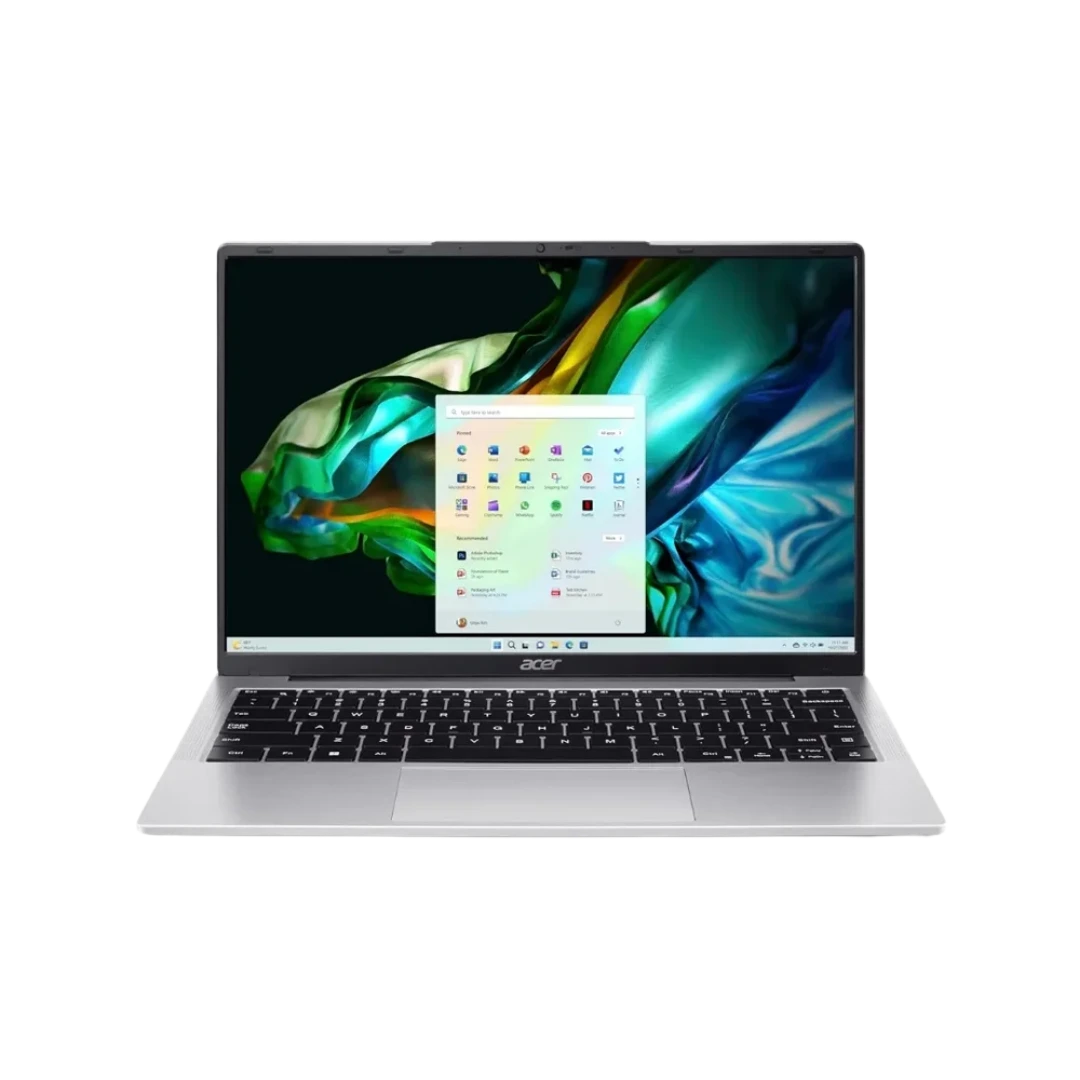
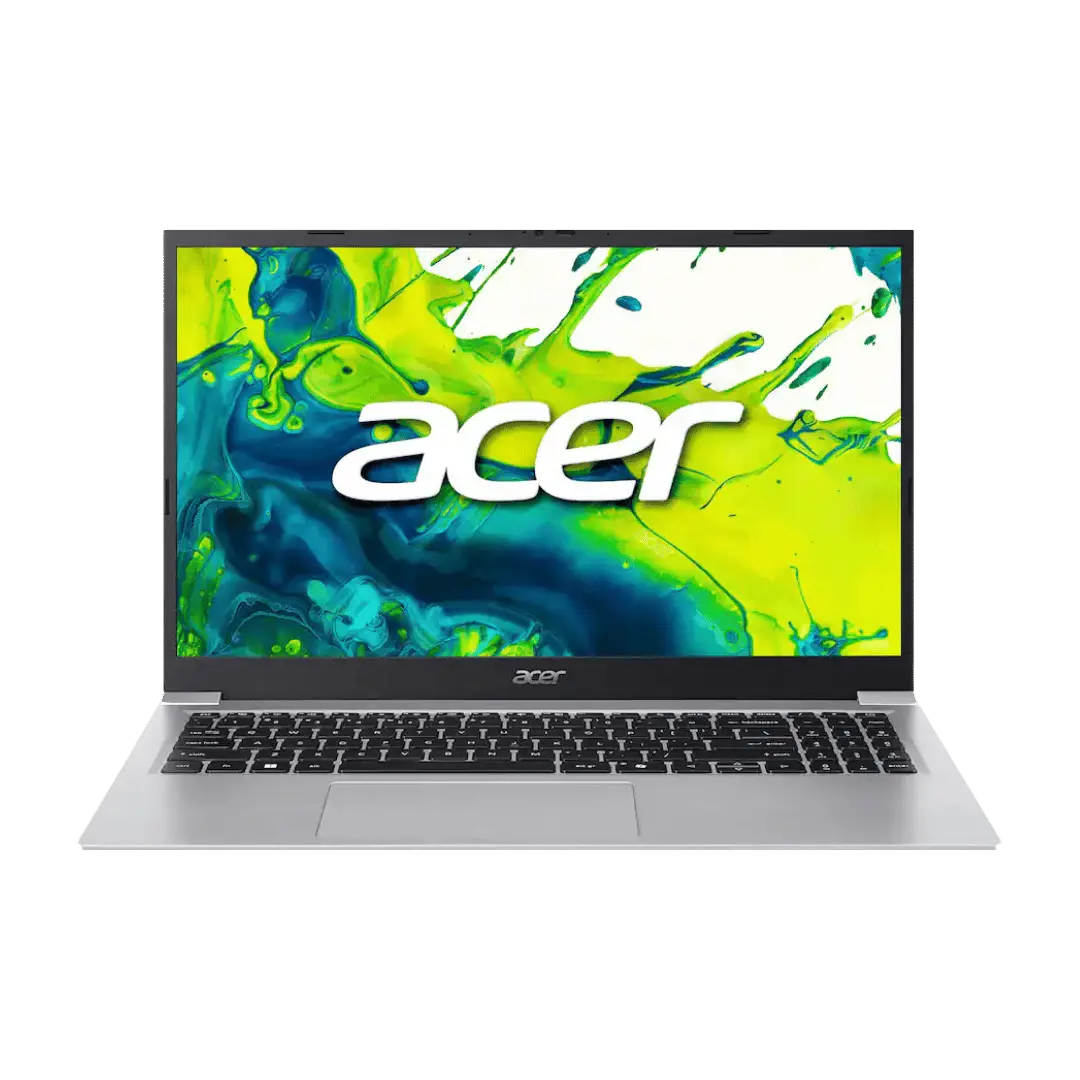


Find the Right Acer Laptop for Your Needs
Start with the applications you use and how often you carry your laptop. Everyday office tasks, competitive gaming, and demanding creative software place different demands on a computer.
Use the series guide below to shortlist suitable options, then review individual models. Features vary within every Acer family.
Acer Series | Main Buying Priority | What to Check |
|---|---|---|
Everyday computing, study, and office work | Processor, memory, display, and graphics configuration | |
Portable productivity and work on the move | Weight, screen size, ports, and memory upgradeability | |
Gaming and GPU-accelerated applications | Graphics card, graphics memory, cooling, and refresh rate | |
Performance-focused gaming and creative work | Complete CPU and GPU configuration, display, and expansion options |
Acer Aspire for Study and Everyday Work
The Aspire family is a useful starting point for assignments, accounting, spreadsheets, browsing, and online meetings. Choose a configuration that matches the number of applications you normally run together.
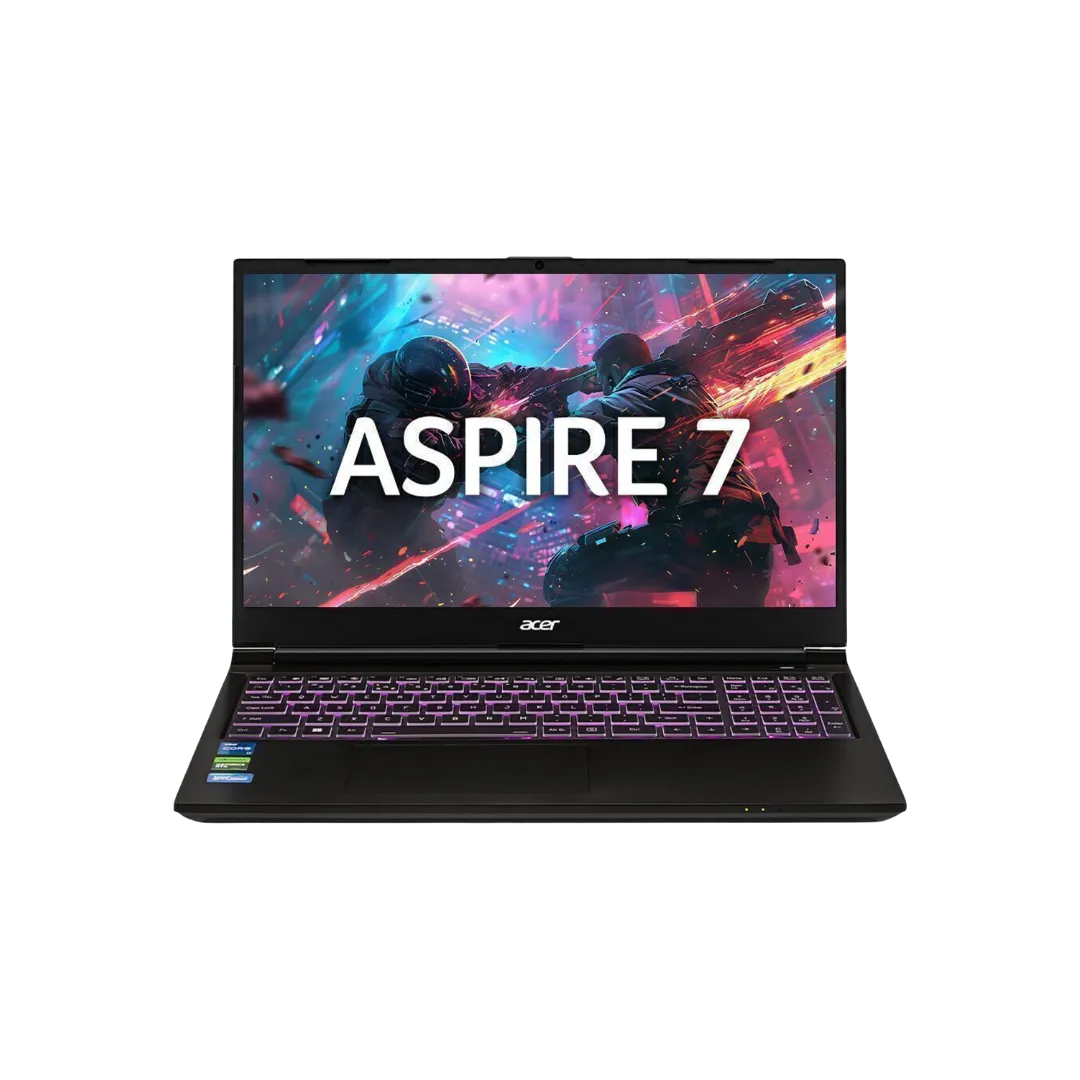
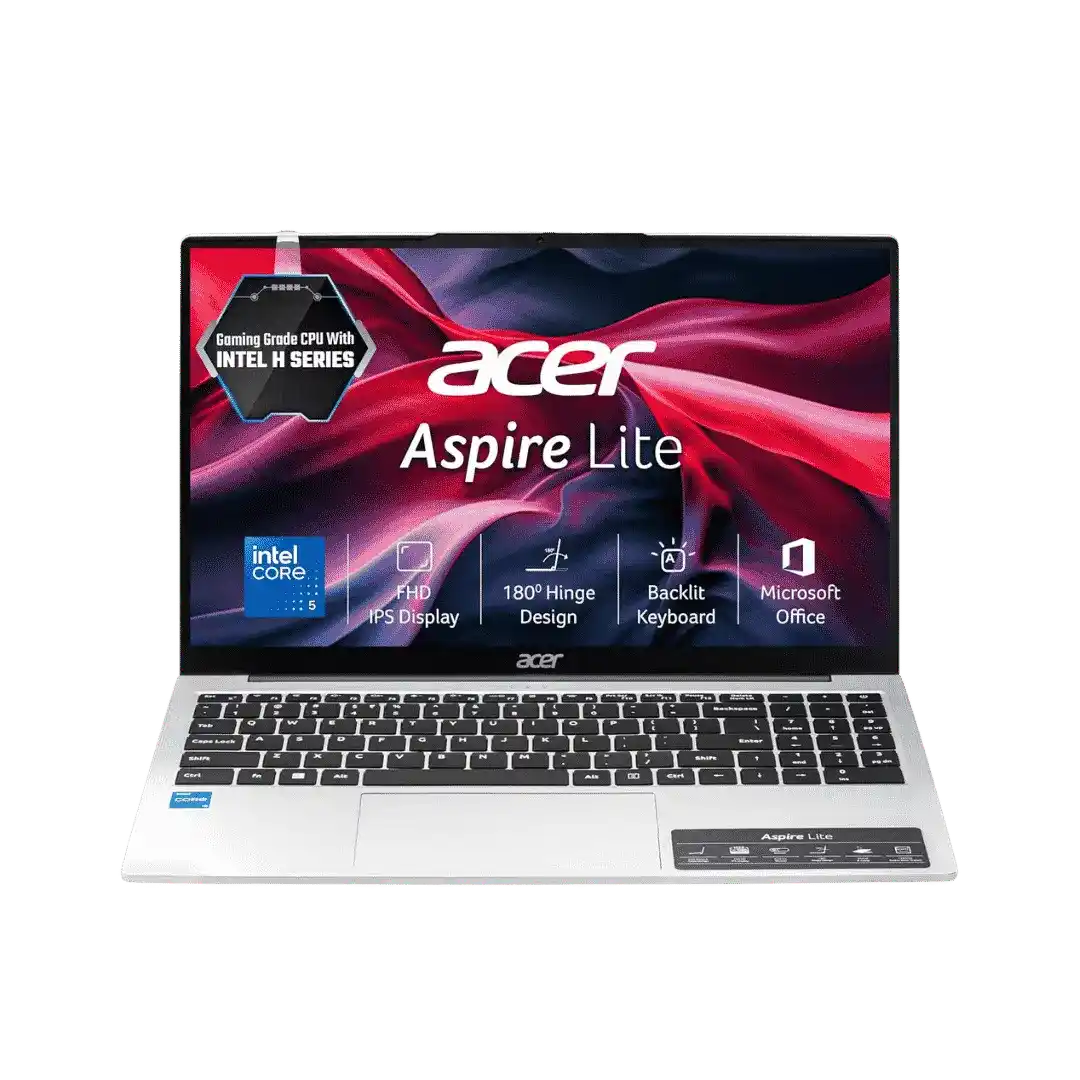
Aspire models do not all have the same capabilities. Computer Planet’s selection includes Aspire Lite options and Aspire 7 configurations with dedicated NVIDIA graphics. Check the exact model before deciding whether it suits routine productivity, gaming, or creative software.
Explore the Acer Aspire series for a closer look at individual configurations.
Acer Swift for Portable Productivity
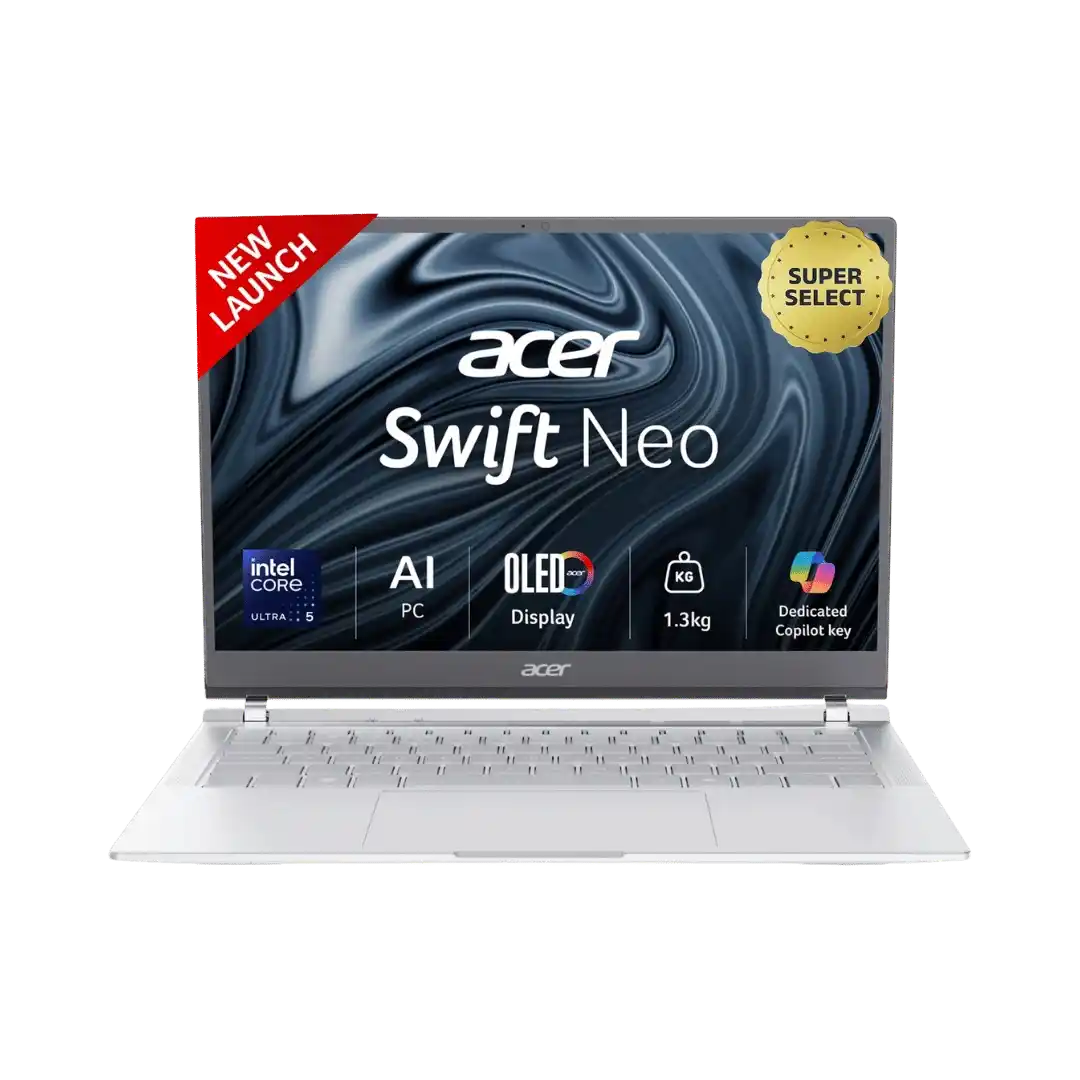
Consider Swift when you need a laptop for work, study, and regular travel. Compare screen size, laptop weight, charger weight, and connections alongside performance.
A smaller display may suit frequent commuting, while a larger screen can give you more room for documents and applications. Display technology, battery capacity, and RAM design vary by model, so confirm the features that matter to your daily routine.
Browse the Acer Swift series to find a suitable combination of portability and specifications.
Acer Nitro for Gaming and Graphics Work
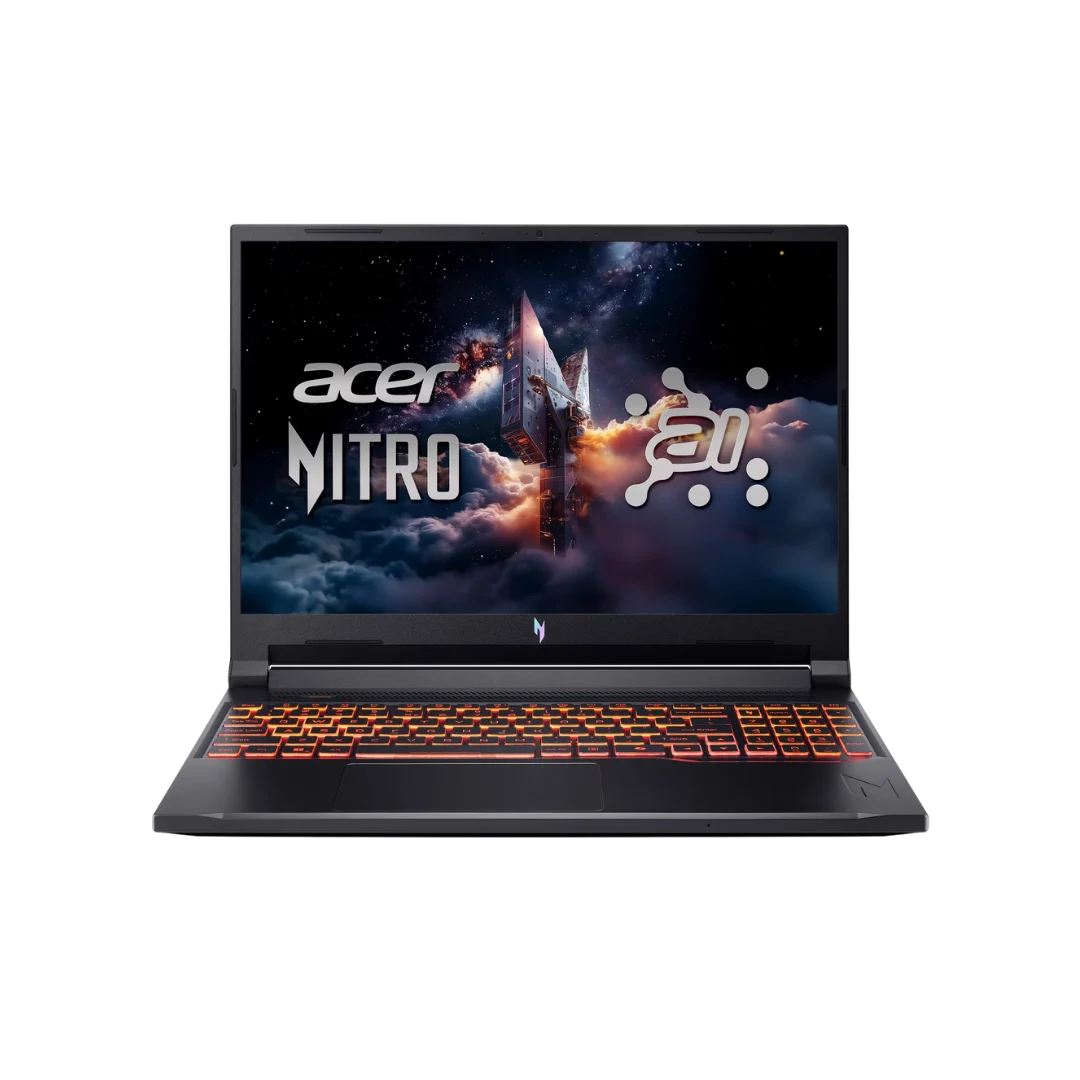
Nitro models deserve consideration when games or GPU-accelerated applications are central to your purchase. Compare the graphics card and graphics-memory capacity alongside the processor, RAM, and display.
Check the requirements of your preferred games or software before choosing. A higher-resolution screen can provide more detail, but demanding games may need greater graphics performance to run smoothly at that resolution.
Explore the Acer Nitro series for gaming and mixed-use configurations.
Acer Predator for Demanding Applications
Predator offers performance-focused options for buyers considering demanding games, rendering, and creative applications.
Evaluate the exact configuration rather than selecting by series name alone. Look at graphics performance, processor, memory capacity, screen specifications, and the laptop’s size.
If you expect to carry it daily, include the charger in your portability assessment. Browse the Acer Predator series to review model-specific details.
What Affects Acer Laptop Prices in Nepal?
Acer laptop prices vary with the complete configuration. Two laptops with similar names can differ in processor, graphics, memory, display, operating system, and warranty terms.
When comparing offers, check that you are comparing the same model and specifications.
Specification | Why It Matters |
|---|---|
Processor | Influences application performance; compare the full model rather than only the processor tier |
RAM | Affects how comfortably the laptop handles your applications together |
SSD | Determines space for software, games, documents, and project files |
Graphics | Matters for gaming and applications that use GPU acceleration |
Display | Resolution, panel quality, brightness, and refresh rate serve different needs |
Build and portability | Size, weight, keyboard, and connections affect everyday use |
Included software | Confirm the operating system and any application licenses |
Warranty | Review the coverage, exclusions, and service arrangements for the specific laptop |
Use the product listings on this page for purchasing details. Before placing an order, confirm the full model code and selected configuration.
Choose an Acer Laptop by How You Work
Students and College Users
Begin with your course requirements. Documents, presentations, online classes, and research need a different configuration from engineering tools, video production, or 3D applications.
Aspire and Swift are useful starting points for general academic work. Students using graphics-heavy software should also consider configurations with suitable dedicated graphics.
Check keyboard comfort, webcam, microphone, ports, and carrying weight. These details matter when the laptop becomes part of your daily routine.
Accounting and Office Work
For Tally, spreadsheets, email, and meetings, consider your entire workflow. Running several applications together can require more memory than using one program at a time.
Look for a readable screen, suitable storage capacity, and the connections needed for printers, projectors, or external monitors. If you frequently enter figures, check whether the keyboard includes a numeric keypad.
You can also explore our business laptops in Nepal when assessing options for your workplace.
Programming and Engineering
Choose around the tools you expect to run. A code editor and browser place different demands on a laptop from virtual machines, emulators, large projects, or specialist engineering software.
Check memory capacity, upgrade options, and the software developer’s recommended hardware. Dedicated graphics matter for some workloads, but they are not essential for every type of programming.
An “AI” label alone does not establish suitability for local machine-learning work. Check the requirements of the software and models you intend to use.
Gaming and Content Creation
For gaming, begin with the performance you want at your preferred resolution and settings. Then evaluate the GPU, processor, RAM, and display together.
For editing and design, check screen quality as carefully as processing power. A high refresh rate does not establish color accuracy, and a large color-gamut figure does not replace calibration information.
Browse our wider range of gaming laptops in Nepal if you want to assess Acer alongside other brands.
Check These Details Before Buying
Compare the Full Processor and Graphics Specifications
Processor labels such as Core i5, Core 7, and Ryzen 7 cover different products. Record the complete processor model when comparing laptops.
Apply the same care to graphics. GPU model, graphics memory, power configuration, and cooling can affect the experience. Avoid assuming that similarly named laptops perform identically.
Confirm RAM and Storage Upgrade Options
Check installed memory, whether any RAM is soldered, and the supported expansion options. Do not assume that every Aspire, Swift, Nitro, or Predator laptop allows the same upgrades.
For storage, consider the space needed for applications and files, then confirm whether the laptop supports another SSD or requires replacing the existing drive.
Choose a Display for Your Main Tasks
For documents and programming, prioritize readable text and usable workspace. For gaming, consider refresh rate and motion performance. For design, review color specifications and accuracy.
Check touchscreen support, brightness, and panel details on the exact configuration. Similar model names may have different screens.
Verify Ports and External-Monitor Support
List the accessories you plan to connect. Check USB ports, video outputs, networking connections, and charging requirements.
A USB-C connector does not automatically guarantee video output or charging input. If you plan to use an external display, confirm the laptop’s supported resolution and refresh rate.
Review Software and Warranty Terms
Confirm the operating system and any software licenses included with the purchase. Check whether your required applications need separate licenses.
Read the applicable Computer Planet warranty policy, including coverage and exclusions. Ask about the approved upgrade process before adding memory or storage.
Buy Acer Laptops from Computer Planet
Use the filters on this page to narrow your selection by the specifications that matter most. Open individual product pages to review the complete configuration before ordering.
For help choosing, contact Computer Planet with your budget, main applications, and preferred screen size. Mention any requirements for gaming, external monitors, portability, or future upgrades.
If you are still considering different brands, explore our complete laptop price in Nepal.