
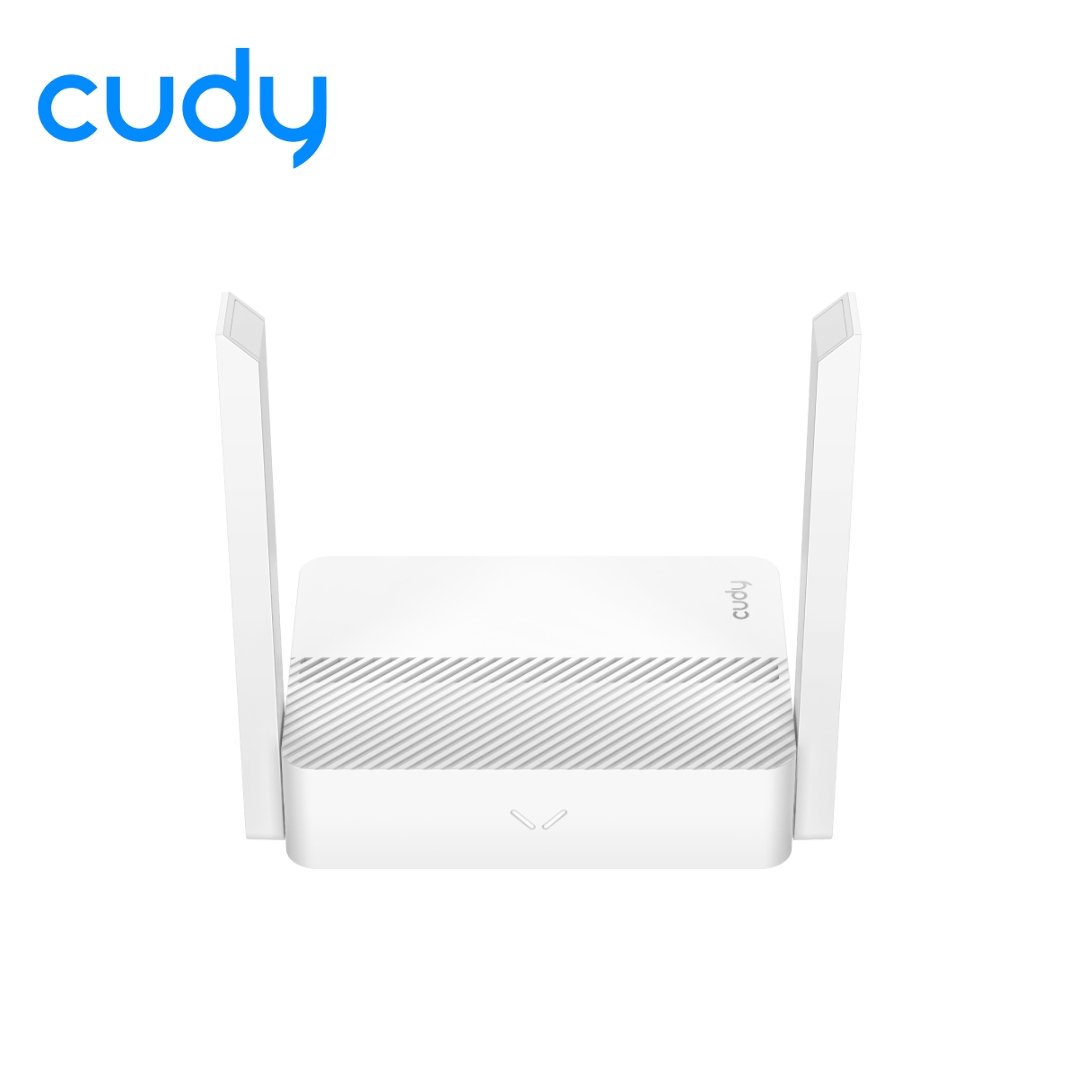





Cudy WR300 N300 Multi-Mode Wi-Fi Router: The Most Versatile Budget Router in Nepal
Extend Your Connectivity with the Cudy WR300 N300 Multi-Mode Wi-Fi Router
In many Nepali households, a single fiber router provided by the ISP (like WorldLink or Vianet) is often not enough to cover every corner of the house. Thick brick walls and multi-story layouts create dead zones in bedrooms or the kitchen. The Cudy WR300 is the cost-effective champion designed to fill these gaps. While it is an entry-level router, its true strength lies in its versatility. It isn’t just a router; it is a multi-mode device that can adapt to whatever networking role you need it to play.
For students living in hostels in Kathmandu or families needing a secondary connection for smart home devices, the Cudy WR300 offers reliable N300 speeds without the high price tag of Gigabit routers. It is the smart choice for extending your network reach affordably.
Why the Cudy WR300 is Essential for Nepali Homes
5-in-1 Multi-Mode Functionality
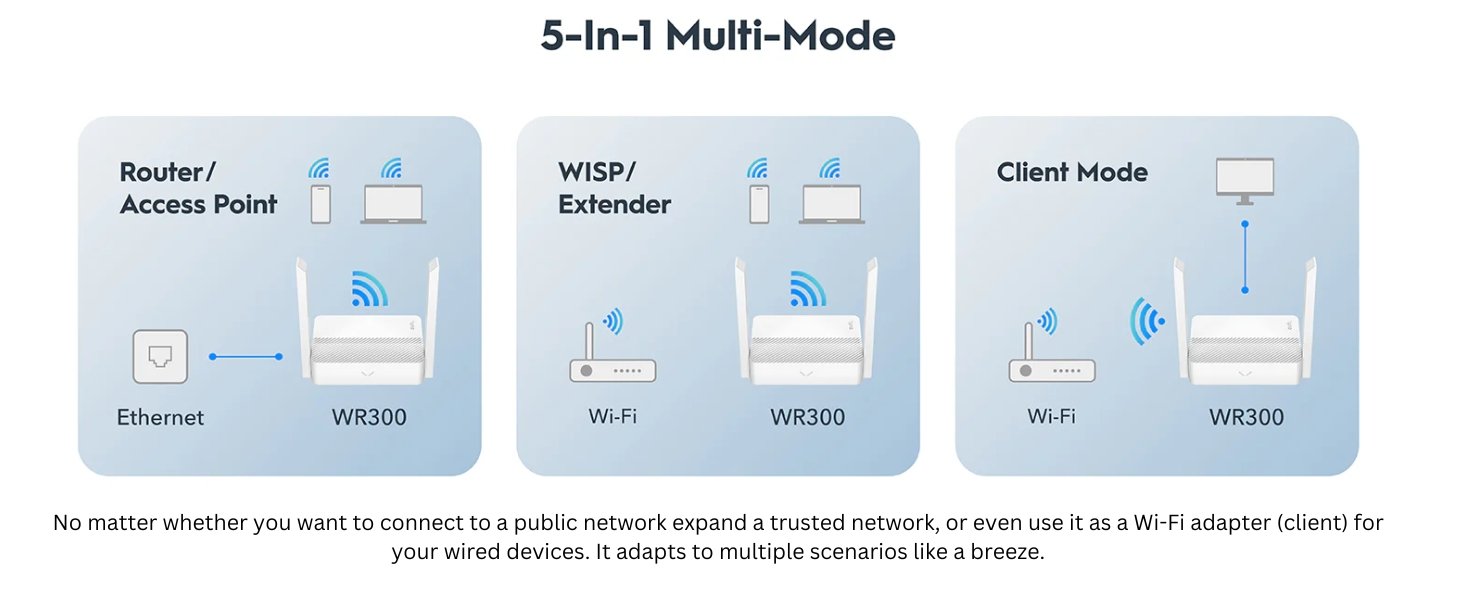
Most routers only do one thing. The Cudy WR300 does five. A physical switch or simple software setting allows you to transform the device based on your immediate needs:
-
Router Mode: Connects to your ISP’s modem via cable to broadcast Wi-Fi. Ideal for single rooms or small apartments.
-
Repeater (Extender) Mode: This is the most popular use in Nepal. Place the Cudy WR300 halfway between your main router and the dead zone. It picks up the weak signal and boosts it, ensuring you get Wi-Fi in your garden or rooftop.
-
Access Point (AP) Mode: If you have a wired network cable running to a room but no Wi-Fi there, this mode turns that wire into a wireless hotspot.
-
WISP Mode: Connects to a public Wi-Fi or ISP hotspot wirelessly and creates your own secure private network from it. Great for sharing a single connection.
-
Client Mode: Acts as a Wi-Fi adapter for wired-only devices like older desktops or Smart TVs.
WISP Mode: The Internet Sharing Solution
In areas of Nepal where running fiber cables is difficult, or for users relying on community Wi-Fi, the Cudy WR300 shines with its WISP (Wireless Internet Service Provider) mode. Unlike standard bridging, WISP mode creates a subnet. This means you can connect to a provider’s outdoor Wi-Fi and then redistribute that internet to your phones and laptops using your own password and security. It essentially turns a public signal into a private home network.
Advanced VPN Security on a Budget
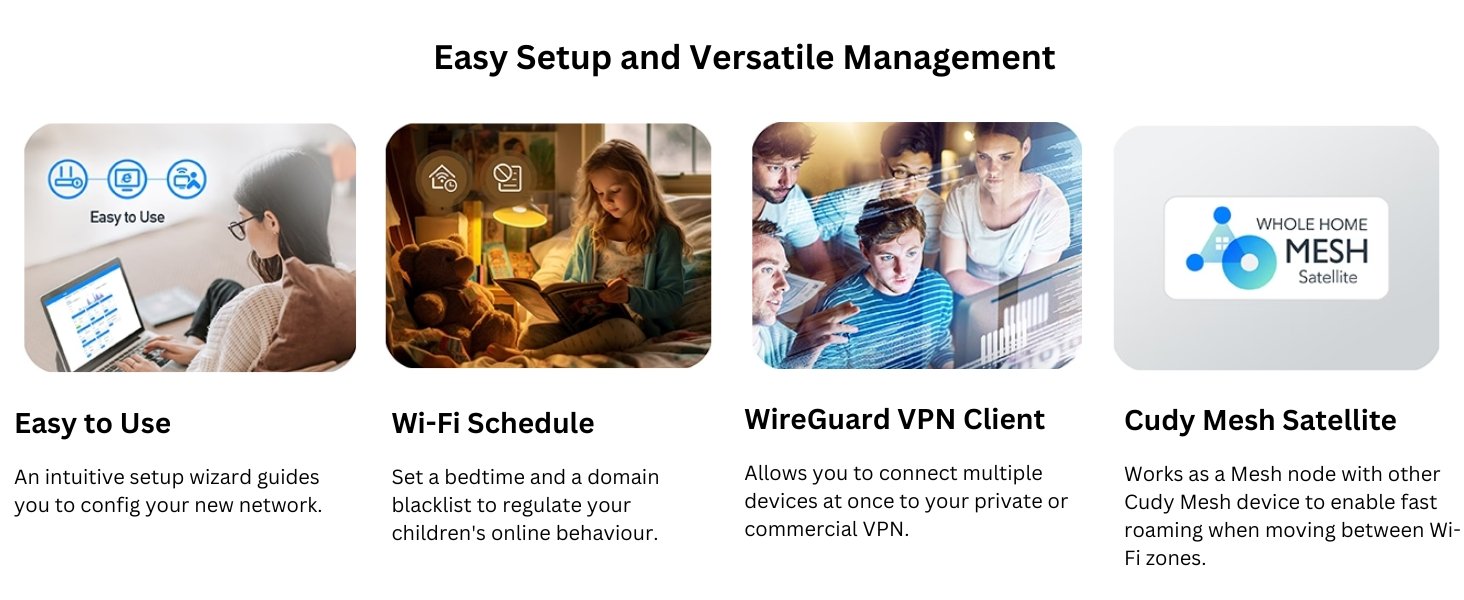
Usually, VPN features are reserved for expensive enterprise routers. Surprisingly, the Cudy WR300 comes with pre-installed VPN clients for WireGuard, OpenVPN, PPTP, and L2TP.
-
Privacy: Secure your browsing data from prying eyes.
-
Access: Connect to your office network securely while working from home.
-
Compatibility: Since the VPN runs on the router, it protects devices that cannot run VPN apps, such as basic Smart TVs or IoT cameras.
Performance and Design
N300 Speeds for Everyday Tasks
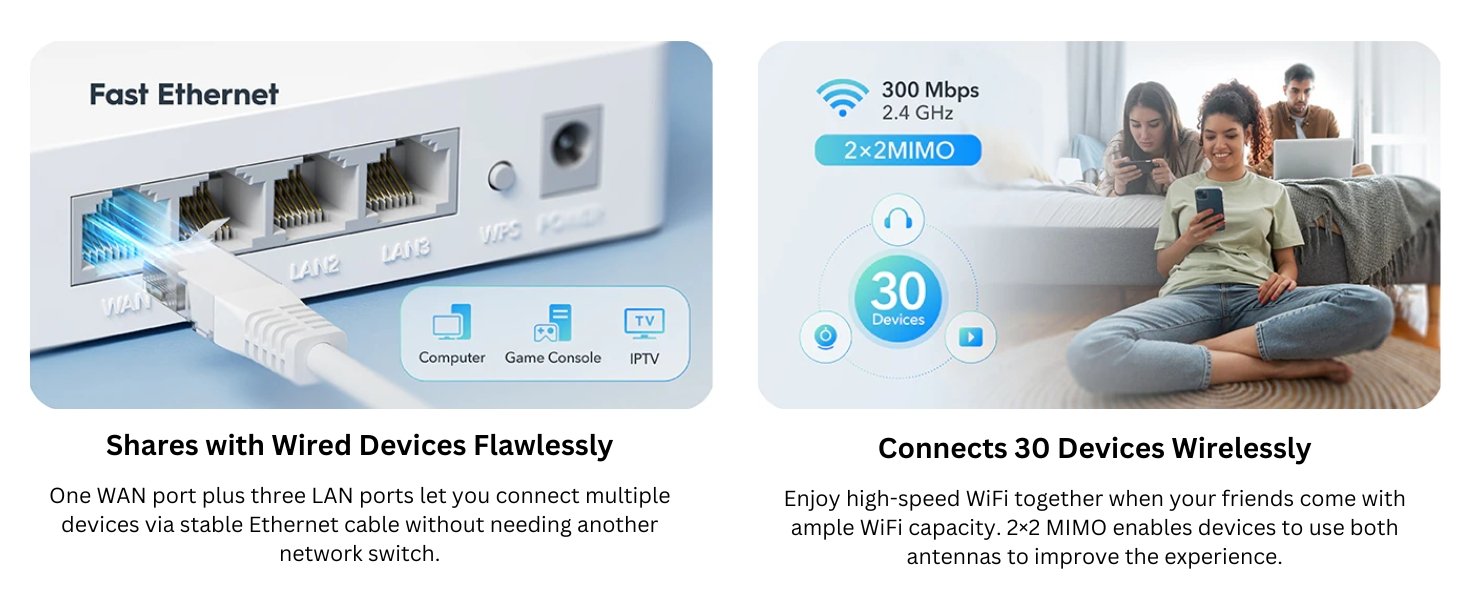
The Cudy WR300 operates on the 2.4GHz band, delivering speeds up to 300 Mbps. While it won’t match the speed of 5GHz fiber routers, 2.4GHz has a distinct advantage: Range. The 2.4GHz signal penetrates solid concrete and brick walls—common in Nepali architecture—much better than 5GHz. This makes the WR300 excellent for browsing Facebook, watching YouTube, attending Zoom classes, and connecting smart bulbs or plugs that only work on 2.4GHz.
Compact and Space-Saving
Space is often at a premium in student dorms or crowded offices in New Road. The Cudy WR300 features a super-compact design that fits in the palm of your hand. It can be easily placed on a shelf or mounted on a wall, ensuring it doesn’t clutter your workspace while its high-gain antennas ensure the signal remains strong.
Installation Scenarios
1. The “Dead Zone” Fixer
You have a high-speed router on the ground floor, but the signal cuts out on the second floor. Configure the Cudy WR300 in Repeater Mode. Plug it into a socket on the staircase landing. It grabs the signal from downstairs and pushes it upstairs, saving you from buying an expensive mesh system.
2. The Student Setup
For students renting a room where the landlord provides a single ethernet cable, the Cudy WR300 in Router Mode instantly turns that cable into a private Wi-Fi network for your phone, laptop, and tablet.
3. Smart Home Hub
Smart home devices like CCTV cameras and smart switches often crowd the main router. Use the Cudy WR300 as a dedicated router for these IoT devices. This keeps your main high-speed router free for gaming and streaming while the WR300 handles the smart gadgets.
Technical Specifications
| Feature | Specification |
| Model | Cudy WR300 |
| Wi-Fi Speed | 300 Mbps (2.4 GHz) |
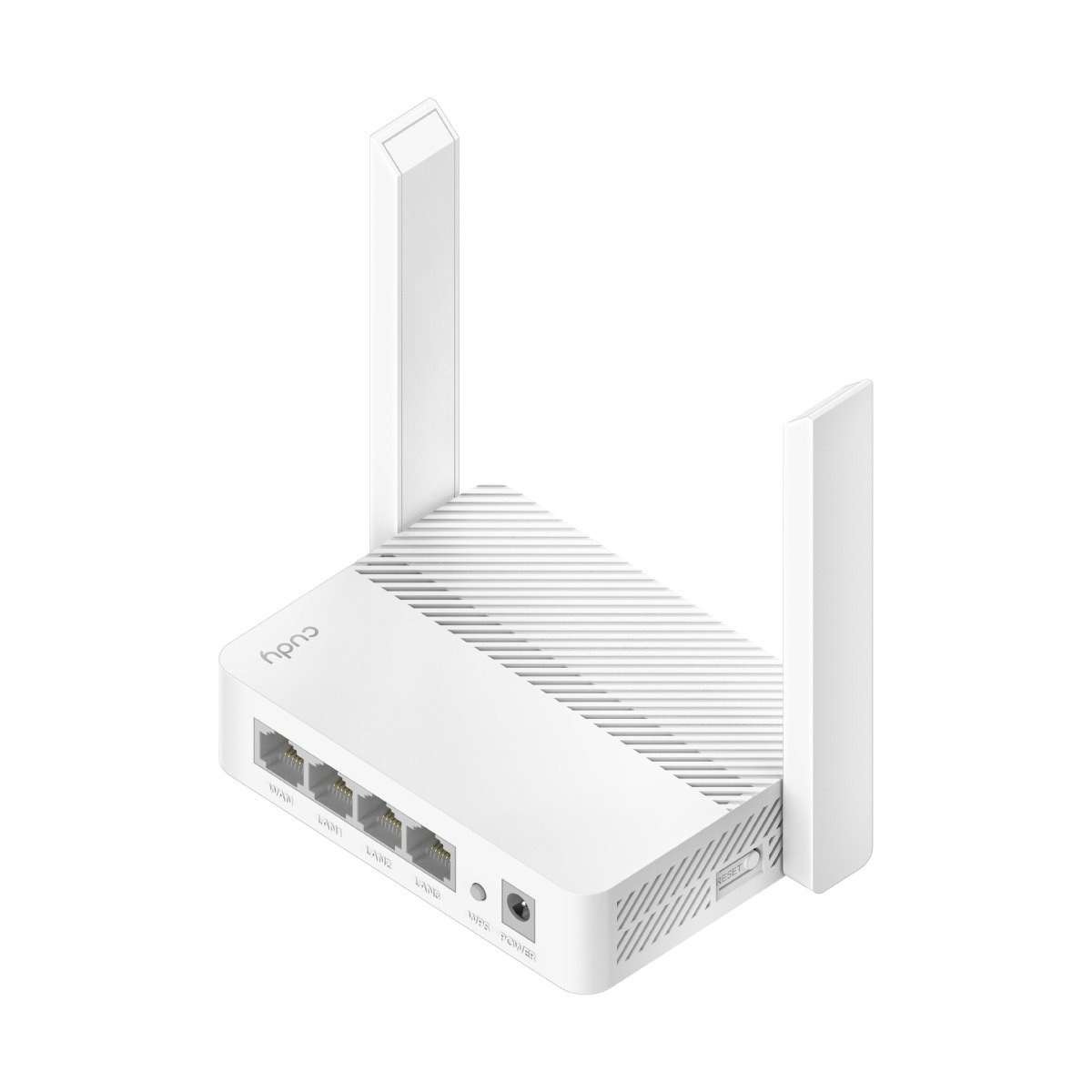
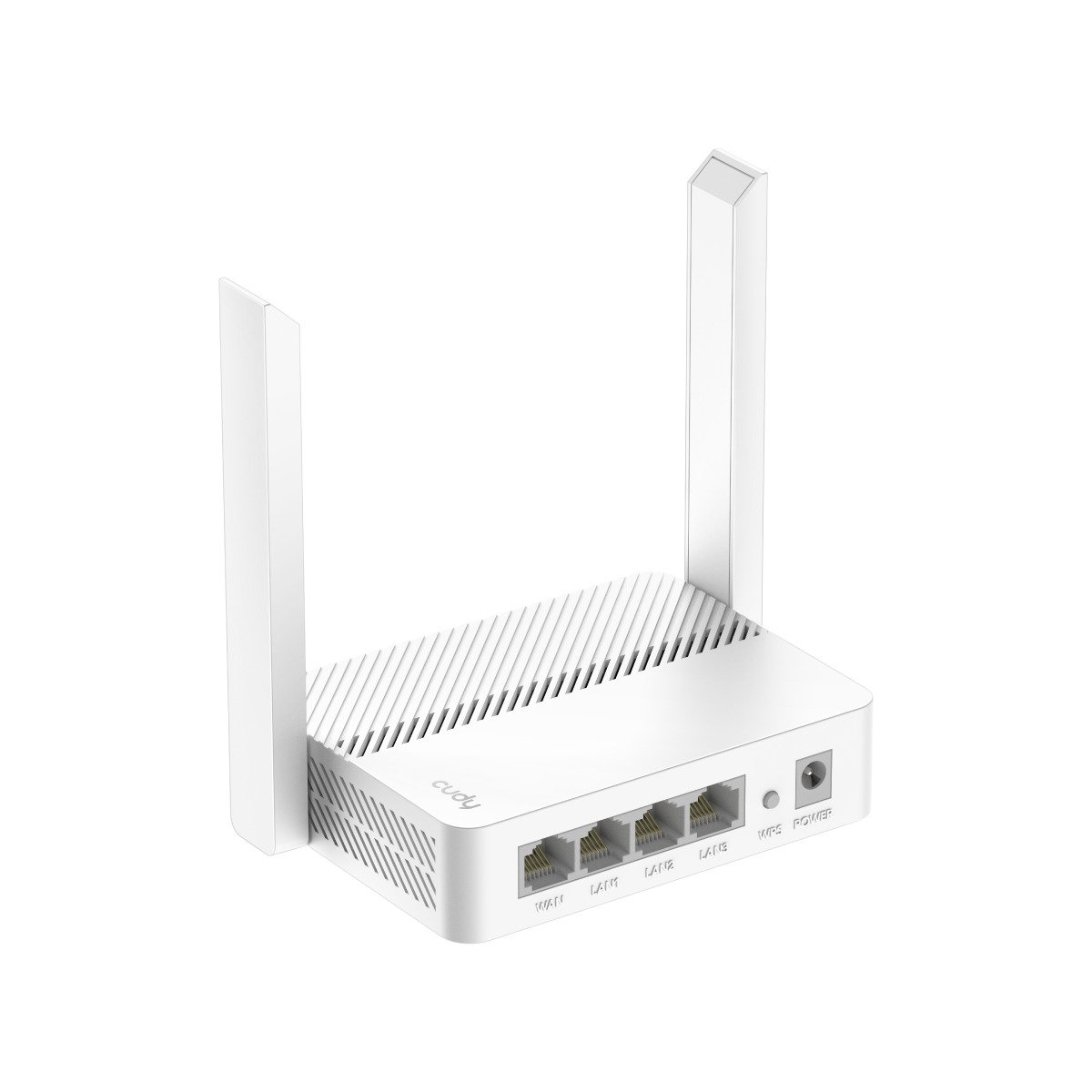
| Antennas | 2x High-Gain Fixed Antennas |
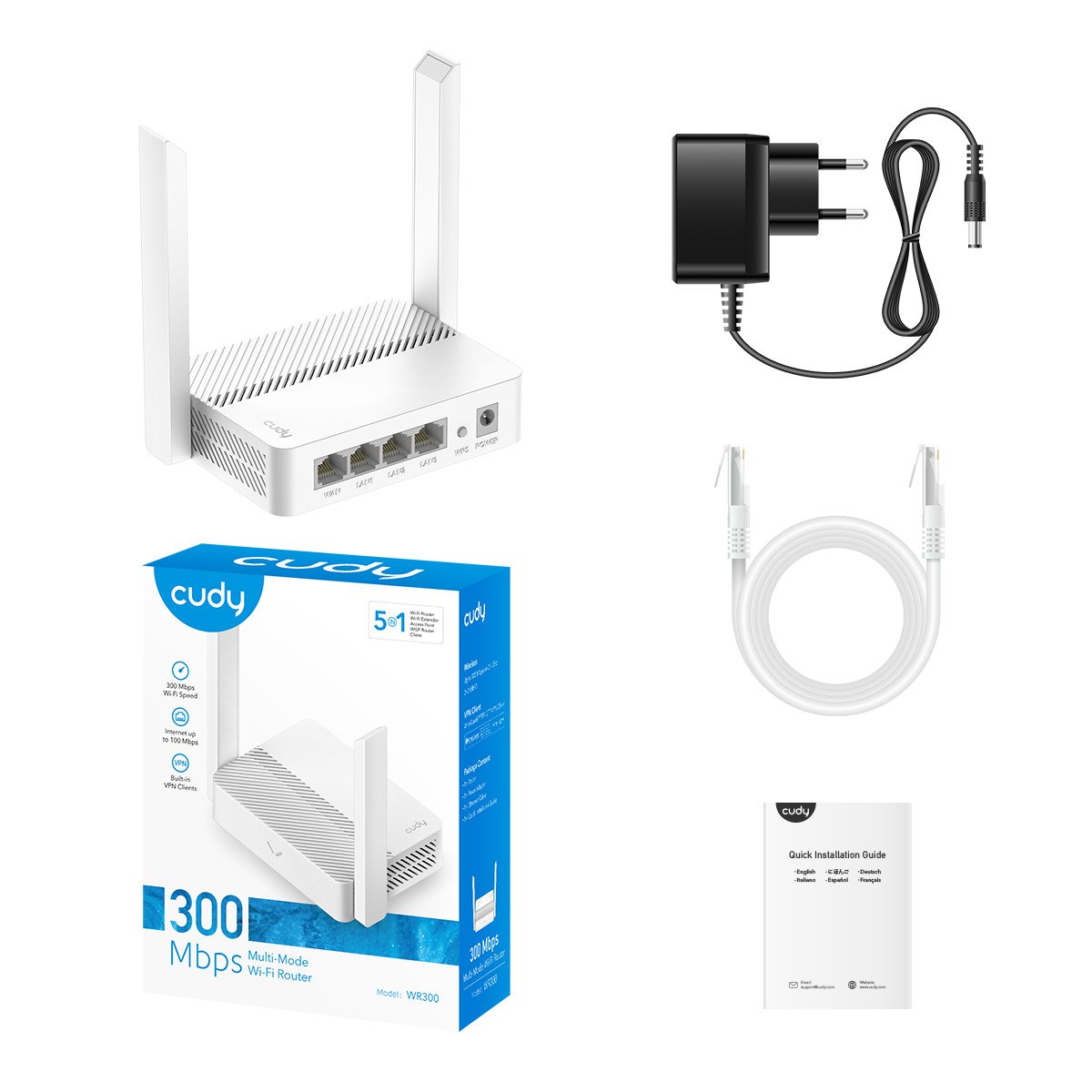
| Ports | 1x 10/100 Mbps WAN, 4x 10/100 Mbps LAN |
| Modes | Router, Repeater, Access Point, WISP, Client |
| VPN Support | WireGuard, OpenVPN, L2TP, PPTP |
| Security | WPA-PSK / WPA2-PSK, Firewall |
| Management | Web Interface, Remote Management |
| Power | 5V/1A (Adapter Included) |
Why Buy From Computer Planet?
As the authorized distributor for Cudy in Nepal, Computer Planet ensures you get the best value for your money. When you buy the Cudy WR300 from us, you get:
-
Lowest Price: We offer the most competitive rates in Kathmandu and Biratnagar.
-
Genuine Warranty: 1-Year replacement warranty on manufacturing defects.
-
Technical Help: Struggling to set up Repeater mode? Our support team is just a phone call away.
-
Fast Delivery: Order online and get it delivered to your doorstep.
Don’t let dead zones or lack of ports limit your connectivity. The Cudy WR300 is the affordable, reliable, and versatile solution you’ve been looking for.
Frequently Asked Questions
Q: What is the Cudy WR300 price in Nepal?
A: The Cudy WR300 is one of the most affordable multi-mode routers available. For the latest discounted price, please check the top of this product page at Computer Planet.
Q: Can I use the Cudy WR300 with WorldLink fiber internet?
A: Yes, you can use the Cudy WR300 as a secondary router or extender with WorldLink. However, since it has 10/100 Mbps ports, it will cap speeds at 100 Mbps. It is best used for extending range to rooms where speed is less critical than connectivity.
Q: How do I set up the Cudy WR300 as a repeater?
A: Setup is easy. Power on the Cudy WR300, connect to its Wi-Fi, and open the web interface. Select “Repeater Mode,” scan for your main home Wi-Fi, enter the password, and you are done. It will amplify your existing signal.
Q: Does it support 5GHz Wi-Fi?
A: No, the Cudy WR300 is a single-band N300 router operating on 2.4GHz. This frequency provides better wall penetration and range compared to 5GHz, making it ideal for covering dead zones.


 Get EdiLife app from:




There are no reviews yet.